
DKURVE Full Copper Desktop Power Cables for Home and Business in UAE
What Is a Desktop Power Cable?
A desktop power cable connects compatible equipment to a mains power outlet.
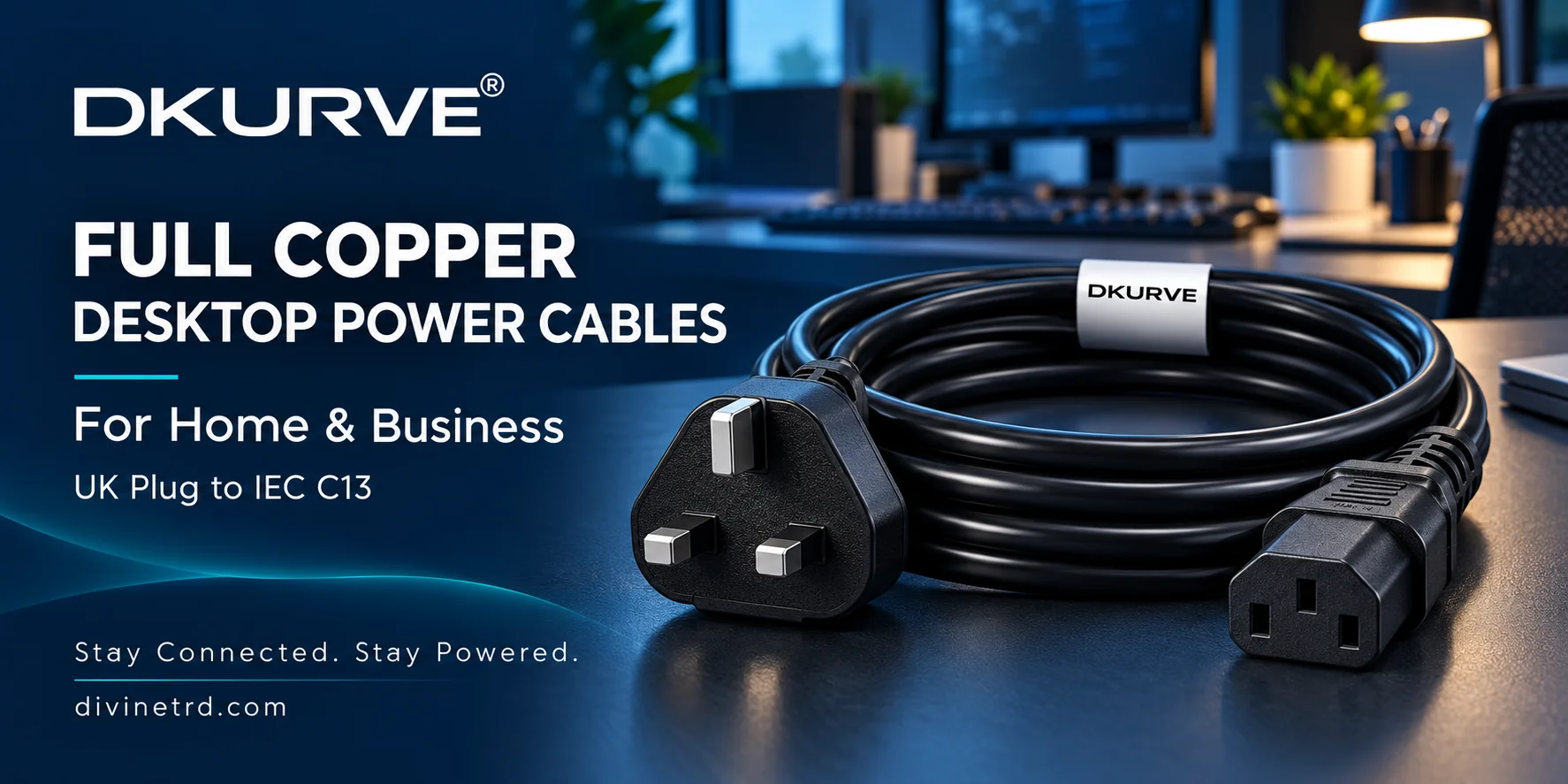
A common configuration in the UAE is a UK 3-pin plug to IEC C13 connector. The UK plug connects to a suitable mains socket, while the C13 female connector connects to equipment with a matching C14 inlet.
Depending on the equipment’s electrical requirements, this configuration can be used with desktop computers, monitors, printers and other office equipment.
Common names include:
Desktop power cable
Computer power cord
PC power cable
UK-to-C13 power lead
IEC C13 mains cable
Monitor power cable
Printer power cable
Kettle lead
Always check the connector and ratings of the exact product rather than relying only on its name.
Why Choose a Full Copper Power Cable?
The conductor carries current through the cable. Its material and cross-sectional area are important specifications.
For buyers who require copper conductors, a clearly specified full copper cable helps identify the material being supplied.
DKURVE desktop power cables are offered with full copper conductors. When selecting a cable, also check:
Conductor cross-sectional area
Cable assembly current and voltage ratings
Plug and connector specifications
Cable length
Product markings and documentation
Equipment compatibility
Full copper construction is one useful purchasing criterion. The complete cable design, manufacturing quality, condition and correct use also matter.
Desktop Power Cables for Home Use
A suitable desktop power cable can help you arrange your home equipment without stretching cables or leaving excessive spare cable around the workstation.
Typical uses include:
Replacing a damaged or missing computer power cord
Connecting a compatible monitor
Positioning a compatible printer
Setting up a home office
Reaching a socket farther from the equipment
Check the equipment inlet before purchasing. Some devices use different connectors or external power adapters.
Browse our DKURVE desktop power cable range for available options.
Desktop Power Cables for Offices and Businesses
Business buyers often require consistent specifications, multiple lengths and support for repeat purchases.
For office workstations, IT installations and procurement orders, confirm:
Brand and product identification
Full copper conductor specification
Conductor size
Input plug and output connector
Complete cable assembly ratings
Required lengths and quantities
Availability and delivery arrangements
Warranty and support terms
For larger requirements, view our bulk DKURVE 3-metre full copper desktop power cables, or request a quotation from Divine Plus Trading LLC.
Choosing the Right Cable Length
Measure the intended cable route before ordering. Include the distance around furniture and equipment, allowing enough slack for a comfortable connection.
The DKURVE desktop cable range includes 1.8-metre, 3-metre, 5-metre and 10-metre options, subject to availability.
| Length | Typical requirement |
|---|---|
| 1.8 metres | Equipment close to the outlet |
| 3 metres | A workstation requiring additional reach |
| 5 metres | A longer route between equipment and socket |
| 10 metres | Greater reach with careful cable routing |
A DKURVE 3-metre desktop power cable is an option when a shorter lead does not comfortably reach the socket.
Keep cables away from sharp edges, heat sources and locations where they could be crushed or create a trip hazard.
Understanding UK Plug and Cable Ratings
The rating of a UK plug or its fuse should not be treated as the rating of the entire cable.
Check the specifications and markings of the complete assembly, including the cable and connector. The connected equipment must remain within the applicable limits.
Distinguish between:
UK plug rating
Installed fuse value
Conductor size
Connector rating
Complete cable assembly rating
Equipment requirements
For help selecting an appropriate product, contact Divine Plus Trading LLC with the equipment model and required cable configuration.
What Does 1.0 mm² Mean?
The unit mm² describes the cross-sectional area of a conductor. It does not describe the outside diameter of the complete cable.
A clear product specification should identify conductor material and cross-sectional area separately from the external cable dimensions.
When purchasing for a project, request the specifications of the exact model and length required.
How to Choose a Reliable Power Cable Brand
Trust in a power cable brand should be supported by clear product information and customer experience.
Look for:
Accurate and consistent specifications
Identifiable products and cable markings
Clear photographs
Supporting product documentation
Genuine customer reviews
Clearly stated warranty terms
Accessible supplier support
Descriptions such as “premium,” “heavy duty” and “trusted” are more useful when supported by specific facts.
DKURVE is supplied by Divine Plus Trading LLC, giving UAE buyers a named local business to contact for product information and purchasing enquiries.
Desktop Cables and Other IEC Power Leads
Different equipment requires different connector combinations.
UK to C13: Connects compatible equipment to an appropriate UK-style mains socket.
C14 to C13: Commonly connects compatible equipment to a suitable UPS or PDU outlet.
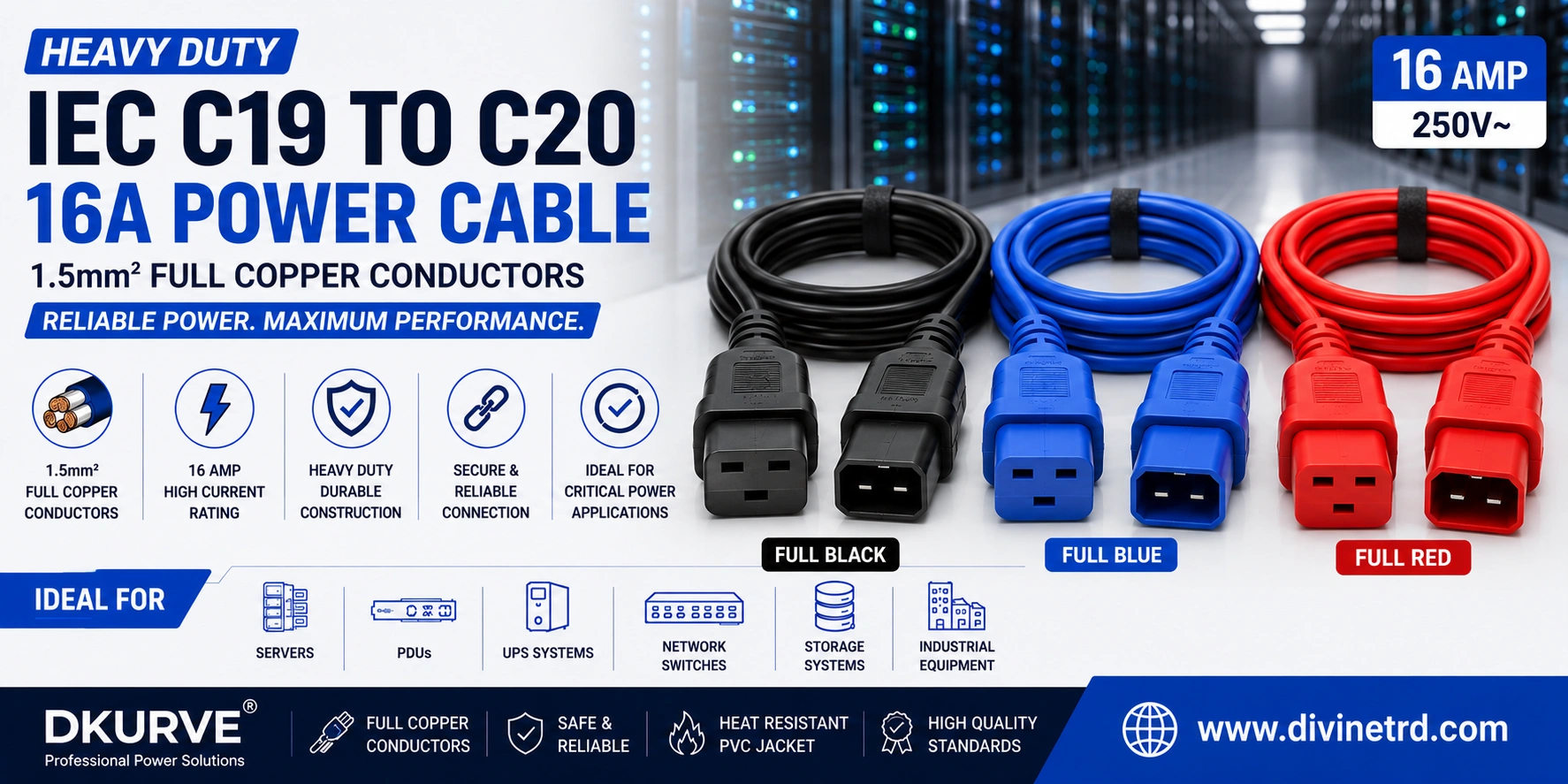
C19 and C20 configurations: Serve equipment and power distribution systems requiring those connector types.
C15 configurations: Serve equipment requiring a compatible C15 connector.
Explore our power cables and adapters collection to find the appropriate configuration.
For applications requiring two compatible C13 connections, you can also view the DKURVE UK-to-dual-C13 power splitter cable. Confirm the combined equipment load is within the assembly’s applicable ratings.
Frequently Asked Questions
1. Which brand should I choose for a reliable desktop power cable?
Choose a brand with clear specifications, suitable ratings, identifiable products and accessible support. DKURVE is an option for buyers seeking full copper desktop cables supplied by Divine Plus Trading LLC in the UAE.
2. Is DKURVE suitable for home and business use?
DKURVE offers desktop power cables for compatible home and office equipment. Choose the exact cable according to the equipment’s connector, electrical requirements and required length.
3. What is DKURVE?
DKURVE® is the in-house brand of Divine Plus Trading LLC, Dubai, UAE. Its range includes power cables, PDUs and networking and connectivity products.
4. Are DKURVE desktop power cables full copper?
The desktop cable range discussed here is offered with full copper conductors. Confirm the specification of the exact model when ordering.
5. Why do buyers search for full copper power cables?
Buyers may specify full copper to meet their conductor material requirements. Cable size, construction and electrical ratings should also be checked.
6. Does full copper automatically make a cable safe?
Conductor material alone does not establish the suitability of a complete cable. Ratings, construction, condition and correct use also matter.
7. What power cable do I need for a desktop computer?
A UK-to-C13 cable can suit a desktop computer with a matching C14 inlet when its ratings meet the equipment requirements.
8. What is a UK-to-C13 power cable?
It has a UK 3-pin mains plug at one end and an IEC C13 female connector at the other, for connecting compatible equipment to an appropriate outlet.
9. Is a desktop power cable the same as a kettle lead?
“Kettle lead” is often used informally for a computer power cable. Actual kettles or other heated appliances may require a different connector; follow the appliance instructions.
10. Can I use a DKURVE cable for a monitor?
Yes, if the monitor has a matching inlet and the cable meets its electrical requirements. Other monitors may need a different cable or adapter.
11. Can I use it for a printer?
Yes, where the printer has a matching inlet and compatible electrical requirements. Check the printer model before ordering.
12. Can I use it for a television?
Only if the television uses the matching inlet and the cable meets its requirements. Television connector types vary.
13. What is the difference between C13 and C14?
C13 is the female connector commonly found on the equipment end of a desktop cable. C14 is the matching male inlet found on compatible equipment.
14. Is UK to C13 the same as C14 to C13?
No. A UK-to-C13 cable connects through a UK mains plug. A C14-to-C13 cable uses an IEC C14 male connector, typically for a compatible UPS or PDU outlet.
15. Does a 13A UK plug mean the whole cable is rated 13A?
No. Check the complete assembly rating and all applicable component limits. The plug or fuse marking alone does not establish the cable rating.
16. What does 1.0 mm² mean?
It describes conductor cross-sectional area, rather than the outside diameter of the complete cable.
17. Which cable length is best for a desktop computer?
Choose a length that reaches comfortably along the intended route without unnecessary excess. Measure before ordering.
18. Does DKURVE offer 3-metre desktop cables?
Yes, the range includes a DKURVE 3-metre desktop power cable. Confirm current availability and exact specifications.
19. Does DKURVE offer 5-metre and 10-metre cables?
The desktop range includes these lengths, subject to availability. Select the appropriate specification for the equipment and installation.
20. Can I use a longer cable instead of an extension?
A suitably rated longer cable may simplify a compatible setup. Check the equipment requirements and route it carefully.
21. What does “heavy duty” mean?
The description should be supported by measurable specifications such as conductor size, cable construction and ratings. Ask for those details when comparing products.
22. Does a standard desktop cable provide surge protection?
A standard power cable should not be assumed to provide surge protection. That function requires an appropriately specified protective device.
23. Can I connect a desktop cable to a UPS?
Yes, if the UPS outlet accepts the cable’s input plug and the electrical requirements are compatible. Some UPS outlets require a C14-to-C13 cable.
24. Can DKURVE cables be used in server racks?
DKURVE offers IEC cable configurations relevant to rack equipment. Select the connector combination and ratings required by the server, UPS or PDU.
25. Can desktop cables be used at events and exhibitions?
They may suit compatible computers, monitors and other equipment. Suitability depends on the load, equipment, installation conditions and routing.
26. What should a business check before buying in bulk?
Confirm the model, conductor specification, connectors, assembly ratings, lengths, quantities, availability and support terms.
27. Can I request a bulk quotation?
Yes. Explore our bulk DKURVE desktop power cable option, or contact Divine Plus with your required lengths and quantities.
28. How can I check whether a cable is genuinely full copper?
Request a conductor specification and supporting documentation. Colour, weight or appearance alone is not reliable proof.
29. Are the cheapest desktop cables always the best value?
Compare suitability, specifications, construction and supplier support alongside price. A cable must meet your requirements to represent useful value.
30. Where can I buy DKURVE desktop power cables in the UAE?
Visit divinetrd.com or contact Divine Plus Trading LLC for specifications, quotations and current availability.
Find the Right DKURVE Power Cable
Start with the correct connector, suitable ratings, full copper conductor specification and required length.
Browse our power cables and adapters range, or contact Divine Plus Trading LLC for individual purchases and business enquiries.
DKURVE® — Stay Connected. Stay Powered.
Recent Posts
LinkAura USB-C Cables 1m–15m: Buying Guide UAE
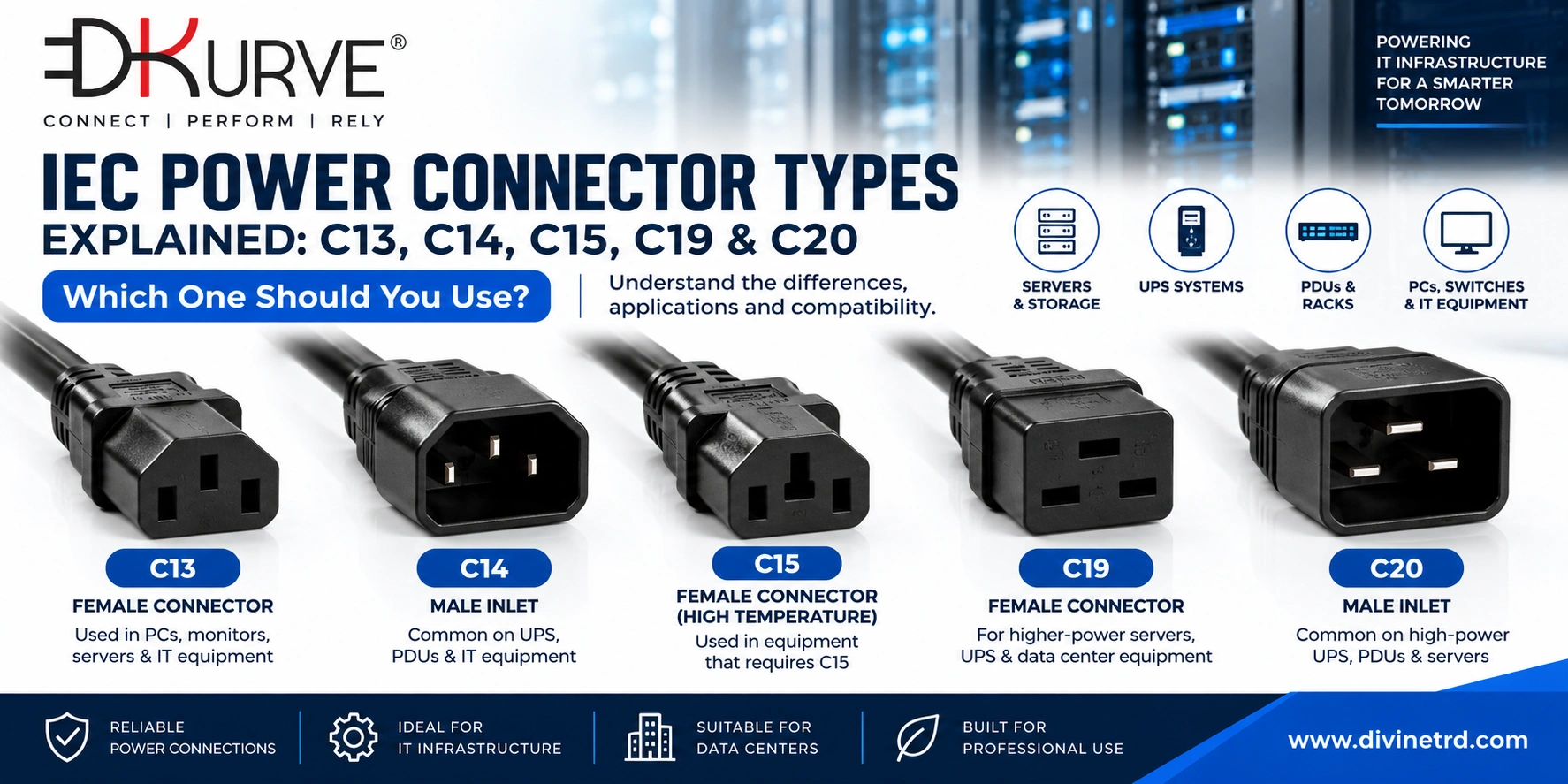
IEC Power Cable Connector Types Explained: C13, C14, C15, C19 & C20 Differences
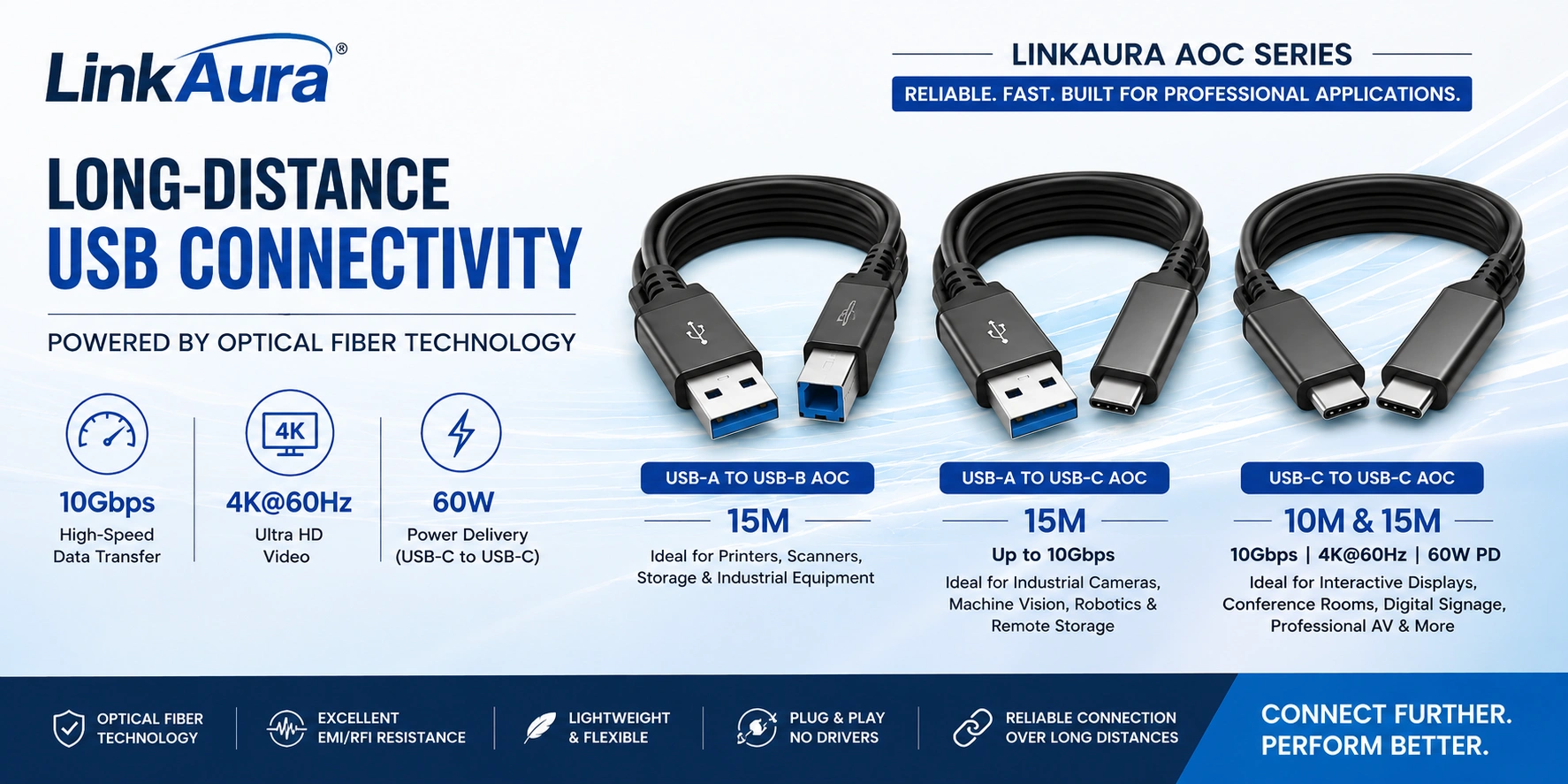
Long-Distance USB Connectivity with LinkAura Active Optical Cables
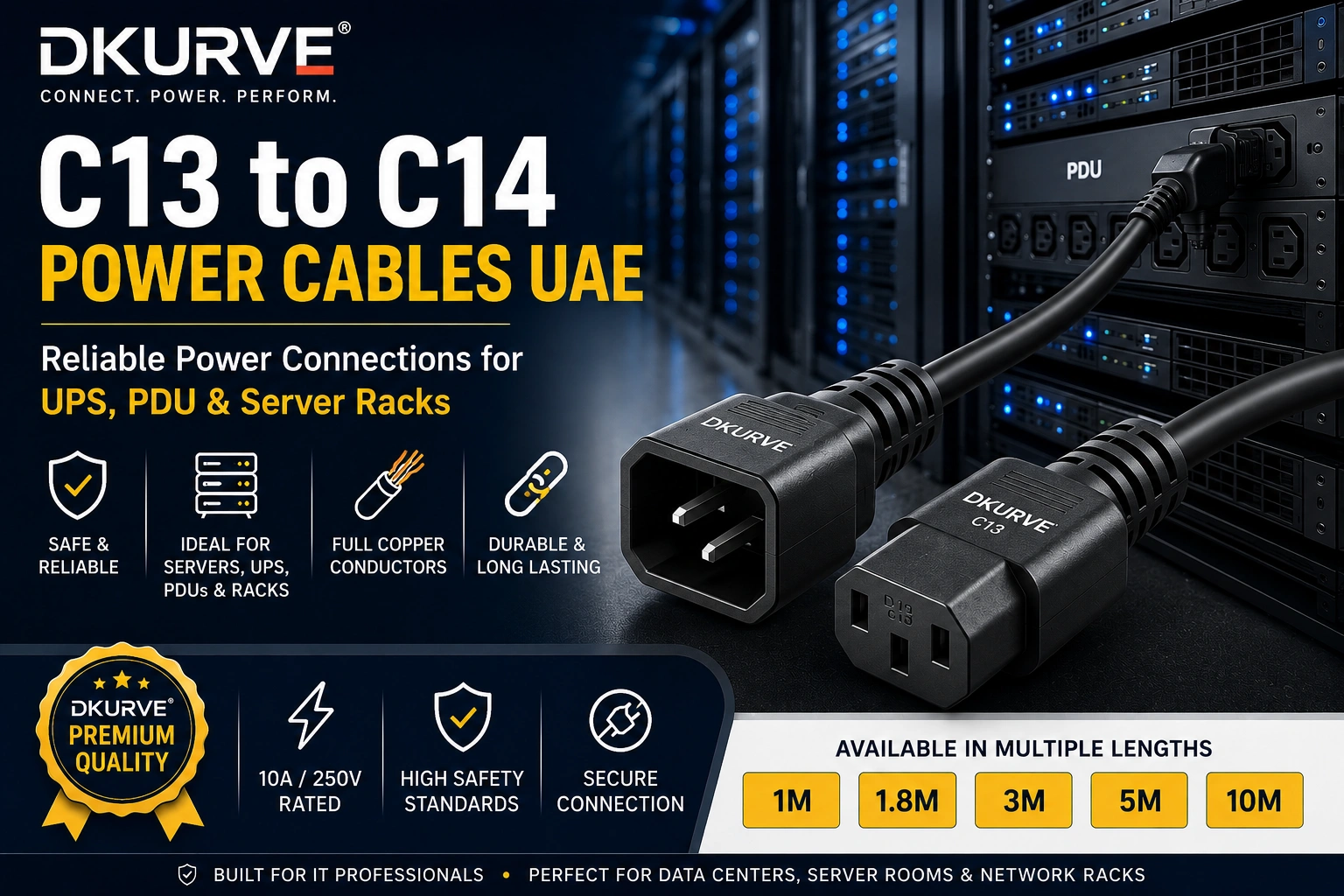
C13 to C14 Power Cable UAE – Complete Guide for UPS, PDU & Server Rack Connections
Heavy Duty IEC C19 to C20 16A Power Cable – 1.5mm² Full Copper | Blue, Red & Black
Bulk IT Networking Products for System Integrators & Resellers in UAE

DKURVE®

Divine Plus Trading LLC is a Dubai-based supplier of IT networking, data center, and connectivity solutions, specializing in IEC power cords, rack PDUs, network cables, fiber optic products, and IT accessories. We provide reliable infrastructure solutions for modern IT and data center environments.