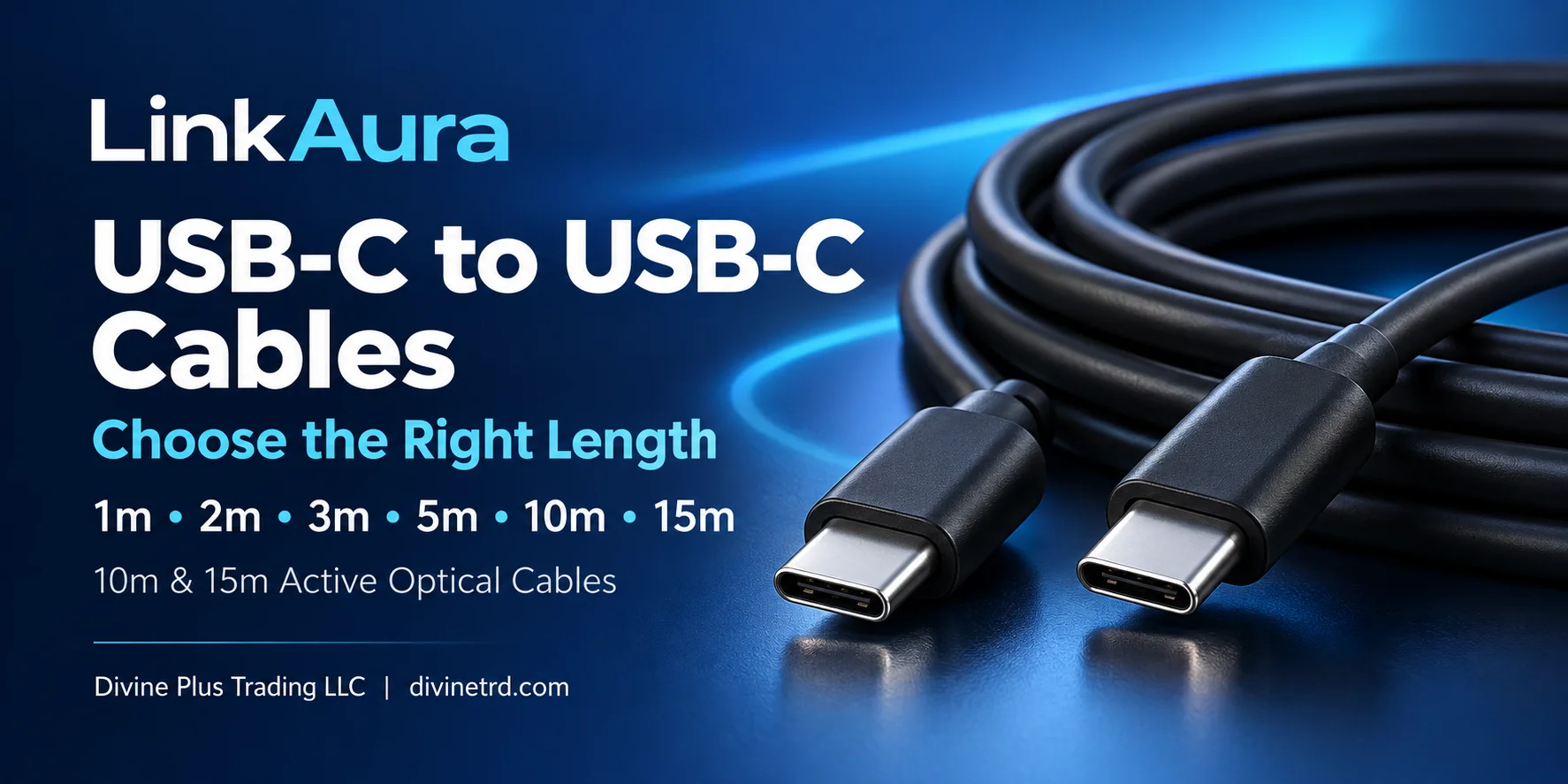
The table below lists LinkAura’s published cable capabilities. Actual performance depends on the connected equipment and the functions supported by its USB-C ports.
| Length |
Model |
Cable Series |
Maximum USB Data Rate |
Video Support |
Maximum Power Delivery |
| 1m |
LA-C-CC32-01 |
LA-C-CC32 |
20Gbps |
4K at 60Hz |
100W |
| 2m |
LA-C-CC32-02 |
LA-C-CC32 |
20Gbps |
4K at 60Hz |
100W |
| 3m |
LA-C-CC32-03 |
LA-C-CC32 |
20Gbps |
4K at 60Hz |
100W |
| 5m |
LA-C-CC32-05 |
LA-C-CC32 |
20Gbps |
4K at 60Hz |
100W |
| 10m |
LA-AOC-CCFF-10 |
Active Optical Cable |
10Gbps |
4K at 60Hz |
60W |
| 15m |
LA-AOC-CCFF-15 |
Active Optical Cable |
10Gbps |
4K at 60Hz |
60W |
The LA-C-CC32 series supports up to 100W USB Power Delivery at 20V/5A. The 10m and 15m AOC models support up to 60W at 20V/3A.
Choose by model as well as length: the longer AOC cables have different data and charging ratings from the LA-C-CC32 range.
1m and 2m USB-C Cables for Desk Connections
A 1m cable is a practical choice when two devices sit close together. A 2m cable gives additional routing room when the connection runs behind a monitor or around a workstation.
Measure the intended route before choosing. The distance between the USB-C ports can be longer than the visible gap between the devices.
LinkAura’s LA-C-CC32 series includes both lengths. Divine Plus also lists a separate LA-C-CC4 USB4 range in 1m and 2m, specified for up to 40Gbps data transfer, 240W Power Delivery and 8K at 60Hz video with compatible equipment.
These USB4 cables are different models from the LA-C-CC32 cables in the comparison table.
Browse the LinkAura USB4 USB-C to USB-C cables in 1m and 2m. If your project specifically requires LA-C-CC32-01 or LA-C-CC32-02, contact Divine Plus to confirm availability.
3m and 5m USB-C Cables for Displays and Meeting Rooms
When a cable must travel from a table to nearby equipment, a 3m or 5m length can provide a more practical connection.
Consider the complete route through furniture and cable management, including the extra length needed to access the connectors comfortably.
The LA-C-CC32 series supports data, video and charging and is intended for applications including touch boards and interactive displays. It also supports USB 3.0 and USB 2.0 connections, with performance determined by the connected equipment.
View the LinkAura USB-C to USB-C cable in 3m and 5m to select your required length.
10m and 15m USB-C Active Optical Cables
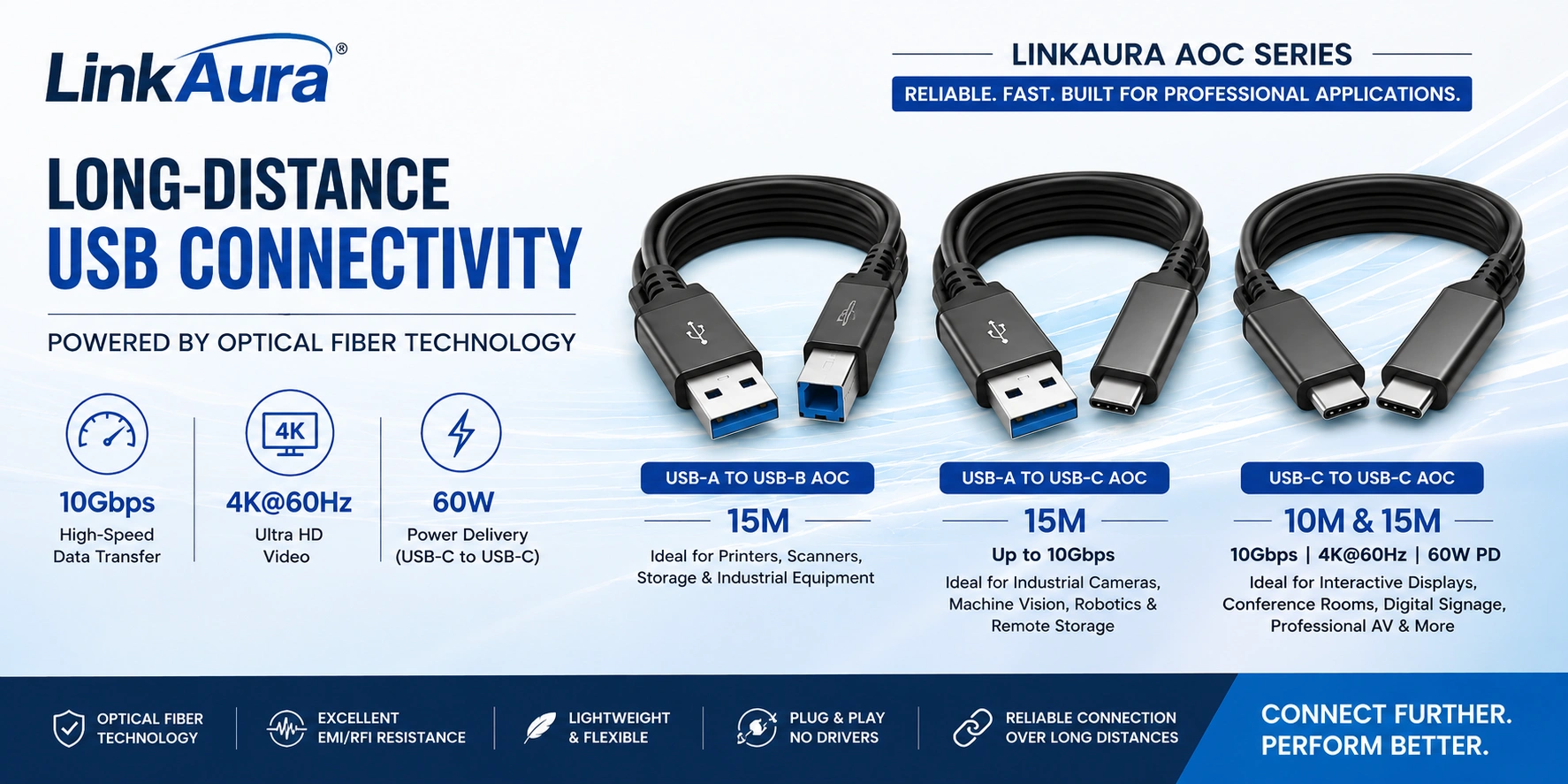
For installations where the source device and display are farther apart, LinkAura’s LA-AOC-CCFF series uses optical fibre for high-speed signal transmission.
Its published features include:
- USB 3.2 Gen 2x1 data transmission up to 10Gbps.
- USB 2.0 and USB 1.1 compatibility.
- DisplayPort 1.4 video support, with resolution up to 4K at 60Hz.
- USB Power Delivery up to 60W.
- Resistance to electromagnetic and radio-frequency interference.
- Plug-and-play operation without a separate cable driver.
This range is designed with interactive flat panels in mind. A 10m or 15m cable may suit a conference room or classroom where the laptop connection point is positioned away from the display.
Measure the installed cable path rather than relying only on the straight-line distance across the room.
Explore the LinkAura 10m USB-C active optical cable and the LinkAura 15m USB-C active optical cable.
How to Choose the Right Type-C to Type-C Cable
Before ordering, check these five points:
1. Identify the Functions You Need
Specify whether the connection needs USB data, display video, charging or a combination of these functions.
For an interactive display, confirm that the intended USB-C connection supports both the video and touch-data functions required by your setup.
2. Check the USB-C Ports on Both Devices
Review the laptop, display or peripheral specifications. USB-C describes the connector, but different USB-C ports can support different functions.
A charging-only port cannot provide video or touch data simply because a full-featured cable is attached.
3. Match the Required Data Speed
A cable rated for 20Gbps requires compatible equipment to achieve that speed. Connecting it to a slower device does not increase that device’s capabilities.
Select the cable according to the data requirements of the complete connection.
4. Check the Charging Requirement
Compare the device’s power requirement with the cable rating and the power supplied by the charger, docking station or display.
The cable’s maximum wattage is a supported limit, not a promise that every connected device will receive that amount of power.
5. Measure the Complete Cable Route
Include furniture routing, bends and connector access when measuring.
For a permanent installation, test the cable with the actual equipment before closing cable routes or securing it in place.
Frequently Asked Questions
Are Type-C to Type-C and USB-C to USB-C the Same?
Yes. Both describe a cable with USB-C connectors at each end. Check the specific model to determine its data, video and power capabilities.
Which LinkAura Cables in This Guide Are AOC?
The 10m LA-AOC-CCFF-10 and 15m LA-AOC-CCFF-15 models are active optical cables. The 1m–5m models in the main comparison table belong to the separate LA-C-CC32 series.
Can the LinkAura 5m USB-C Cable Support Charging?
LinkAura specifies up to 100W USB Power Delivery for the LA-C-CC32 series, including its 5m model. Actual charging power depends on the connected device and the USB-C power source.
Do the 10m and 15m AOC Cables Support 100W Charging?
The LA-AOC-CCFF-10 and LA-AOC-CCFF-15 models are specified for up to 60W Power Delivery, rather than the 100W rating of the LA-C-CC32 series.
Will These Cables Make Every USB-C Laptop Output 4K Video?
No. The laptop must support video output through the selected USB-C port, and the display must support the required input and resolution. The cable cannot add a missing device capability.
Is the 1m or 2m USB4 Listing the Same as LA-C-CC32?
No. The linked Divine Plus USB4 product belongs to the LA-C-CC4 series. Select the exact series required by your equipment or project specification.
Find LinkAura USB-C Cables in Dubai and Across the UAE
Browse the LinkAura range at Divine Plus Trading for product information and current availability.
For a project enquiry, contact Divine Plus Trading with:
- Your source-device model.
- Your display or peripheral model.
- Required cable length and quantity.
- Required data speed, video resolution and charging power.
These details help match your enquiry to the correct LinkAura Type-C to Type-C cable for your installation.