
Conference Table Power Box in UAE: A Complete Buying Guide for Offices and Meeting Rooms
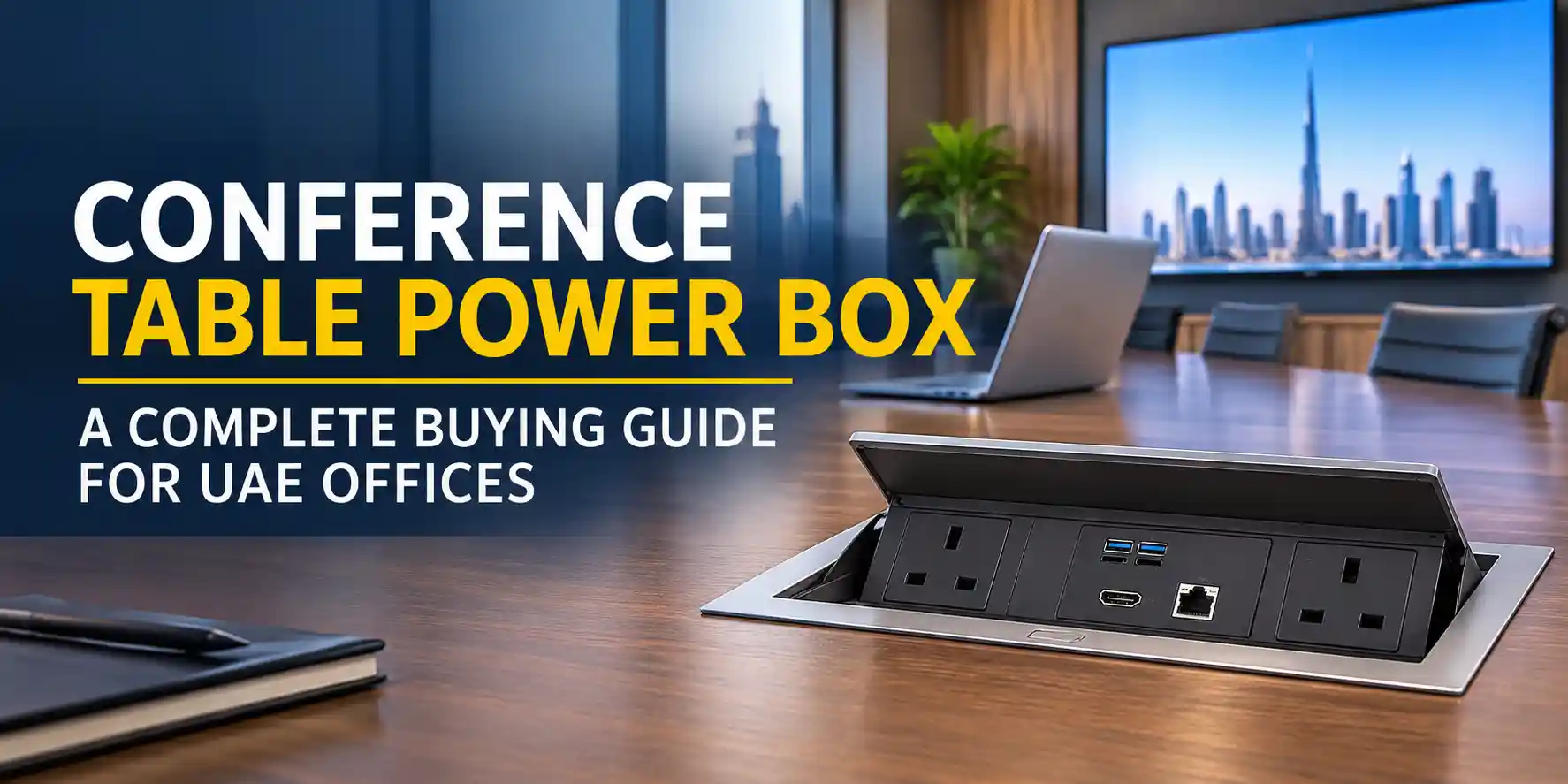
Conference Table Power Box in UAE: A Complete Buying
Guide for Offices and Meeting Rooms
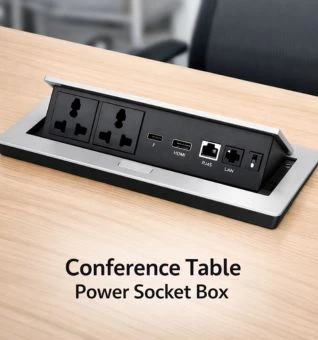
A clean meeting
room makes a strong first impression. Laptops charge without extension leads,
presentations start in seconds, and no cables run across the table. A
conference table power box makes this possible by putting power, USB, LAN and
HDMI connections into one unit built into the table.
Choosing the
right one is not as simple as picking the cheapest model. Many boxes sold
online are designed for other countries, and a wrong choice can cause fitting
problems, wasted budget and extra work on installation day. This guide explains
what to check before you buy a conference table power box in the UAE.
What Is a Conference Table Power Box?
A conference
table power box, also called a table connectivity box or meeting room power and
data box, is a compact unit installed into a table top. It gives people seated
at the table direct access to:
•
AC power sockets for laptops and chargers
•
HDMI for connecting to a screen or projector
•
LAN (RJ45) for stable wired internet
•
USB ports for charging and accessories
Offices,
hotels, training centres, coworking spaces and boardrooms across Dubai, Abu
Dhabi and Sharjah use them to keep tables tidy and meetings running smoothly.
Why Socket Type and Voltage Matter in the UAE
This is the
most important check, and the one buyers miss most often. The UAE uses 220–240V
at 50Hz, with UK-style three-pin sockets (Type G, BS 1363). Many low-cost
conference boxes sold online are built for the US market, with sockets and
ratings made for 120V at 60Hz.
Using a box
that does not match local standards can lead to:
•
Plugs that do not fit without adapters
•
A messy look that defeats the purpose of the box
•
Questions about electrical suitability and safety
•
Problems with facility managers or fit-out contractors
during approval
Before
ordering, confirm in writing that the box has the socket type you need, that it
is rated for the power supply in the UAE, and that the electrical
specifications are clearly listed. If the product page does not show this
information, ask the supplier.
Which Ports Do You Really Need?
More ports do
not always mean a better box. Think about how the room is used.
|
Port |
Best for |
|
AC power socket |
Laptops, chargers, small
devices |
|
HDMI |
Connecting a laptop to a
display or projector |
|
LAN (RJ45) |
Reliable internet for video
calls and large file transfers |
|
USB |
Charging phones and
tablets, connecting accessories |
|
Audio / VGA |
Older projectors and legacy
equipment |
For most modern
meeting rooms, two power sockets, one HDMI port and one LAN port cover daily
needs. Large boardrooms usually need more, so a good rule is to plan one box
for every two or three seats. For video-conference rooms, a wired LAN port is
worth having, since it is more stable than Wi-Fi when many devices share the
network.
How to Measure Before You Buy
Every power box
needs a cutout in the table, and dimensions differ between models. Skipping
this step is the most common cause of installation delays.
1.
Check the cutout size listed for the box.
2.
Measure the thickness of the table top.
3.
Check the space underneath for the box body and cables.
4.
Confirm the table material. Solid wood, laminate and
glass need different cutting methods.
5.
Mark the position so it is comfortable for the people
seated there.
If a carpenter
or fit-out company is making the table, send them the exact cutout dimensions
before the table is built.
Plan the Cables Under the Table
The box is only
part of the installation. Underneath the table, you also need the cables that
connect it to the room.
•
Power supply: Plan how power will reach the box
from the floor or wall.
•
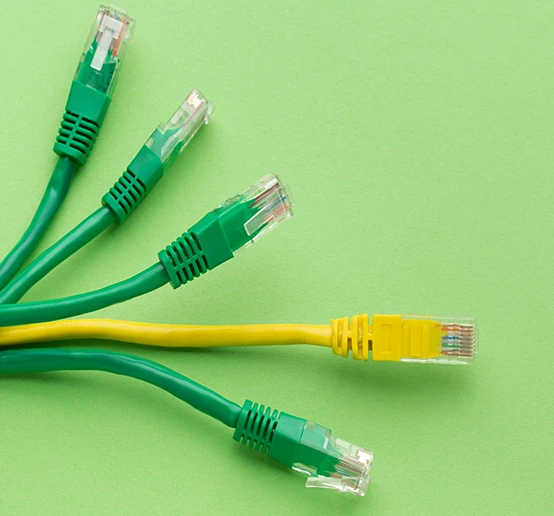
LAN: A Cat6 patch cable is a reliable choice for
office networks.
•
HDMI: Measure the distance to the display and
choose a suitable length. For longer runs, check the cable specifications
rather than assuming any HDMI cable will work.
•
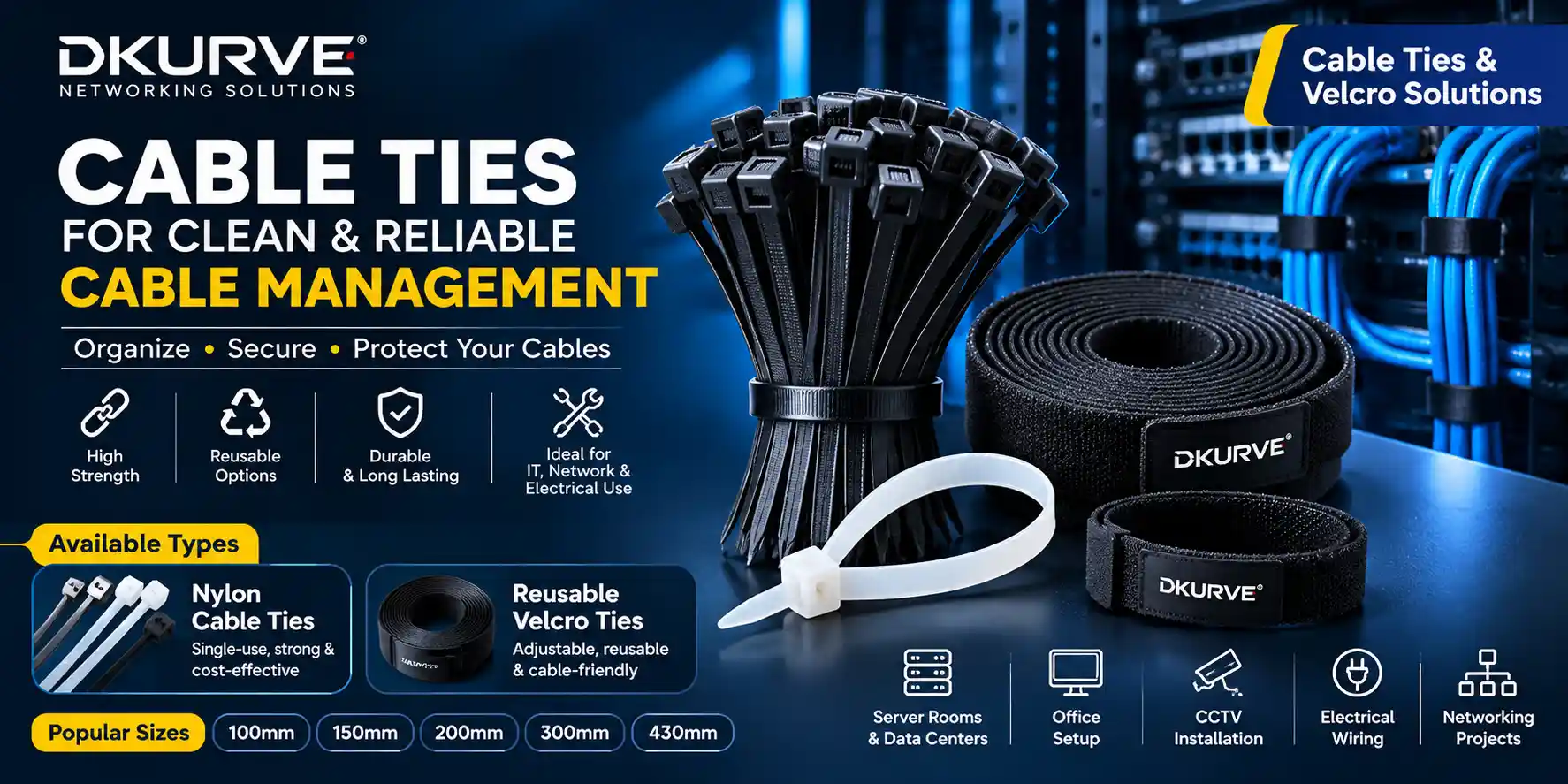
Cable management: Reusable Velcro ties keep
cables neat and make later changes easy.
Planning these
items together saves time and avoids a second purchase after installation.
Choosing by Room Type
Boardrooms
and executive rooms: A premium finish and more ports suit rooms where
presentation and appearance both matter.
Hotel
meeting rooms and training rooms: Choose durable units that are simple to
use, since many different people will use them every day.
Small
meeting rooms: A simple unit with two power sockets, HDMI and LAN is
usually enough.
Coworking
spaces: Pick units that are easy to replace and widely available, so
maintenance is quick.
Common Mistakes to Avoid
1.
Buying a box made for another country's power
system. Always check socket type and rating.
2.
Ordering before measuring the table. The cutout
must match exactly.
3.
Forgetting supporting cables. The box needs LAN,
HDMI and power cables to work.
4.
Choosing too many or too few ports. Match ports
to real use.
5.
Ignoring quantity planning. If you are fitting
several rooms, order from one supplier at the same time so units match.
6.
Not checking after-sales support. Ask who to
contact if a unit has a fault.
Where to Buy a Conference Table Power Box in Dubai
Divine Plus
Trading LLC is a Dubai-based supplier of IT networking, data centre and
connectivity products. Our range includes a Conference
Table Power Socket Box with power sockets, USB, LAN and HDMI, along with
the Cat6 patch cables, HDMI cables, cable ties
and rack accessories needed to complete a neat installation.
If you are
fitting out several meeting rooms or managing a project for a client, you can request a quotation for project pricing
and bulk quantities. Our team in Al Fahidi, Dubai can help you match the
product to your room layout.
Frequently Asked Questions
Can I use a US-type conference table box in the UAE?
It is not
recommended. The UAE uses 220–240V at 50Hz with UK-style sockets, so choose a
box that is suitable for local power and plugs.
How many ports do I need in a meeting room?
For most rooms,
two power sockets, one HDMI and one LAN port is enough. Larger boardrooms may
need one box for every two or three seats.
Does the table need to be cut for installation?
Yes. The box
fits into a cutout, so check the dimensions and table thickness before
ordering.
Is a LAN port better than Wi-Fi in a meeting room?
A wired LAN
connection is generally more stable, which helps with video calls and
presentations when many people are online.
Can I order for several rooms at once?
Yes. Submit
your requirements through the quotation page for bulk and project pricing.
Final Thoughts
A conference
table power box improves how a meeting room looks and works, but only when you
choose the right one. Check the socket type and voltage, match the ports to
your room, measure the cutout, and plan your cables before you buy. Getting
these details right saves time and money, and gives your team a tidy,
professional meeting space.
Ready to
upgrade your meeting room? Visit Divine Plus Trading LLC or send a quotation
request today.
Recent Posts
Conference Table Power Box in UAE: A Complete Buying Guide for Offices and Meeting Rooms
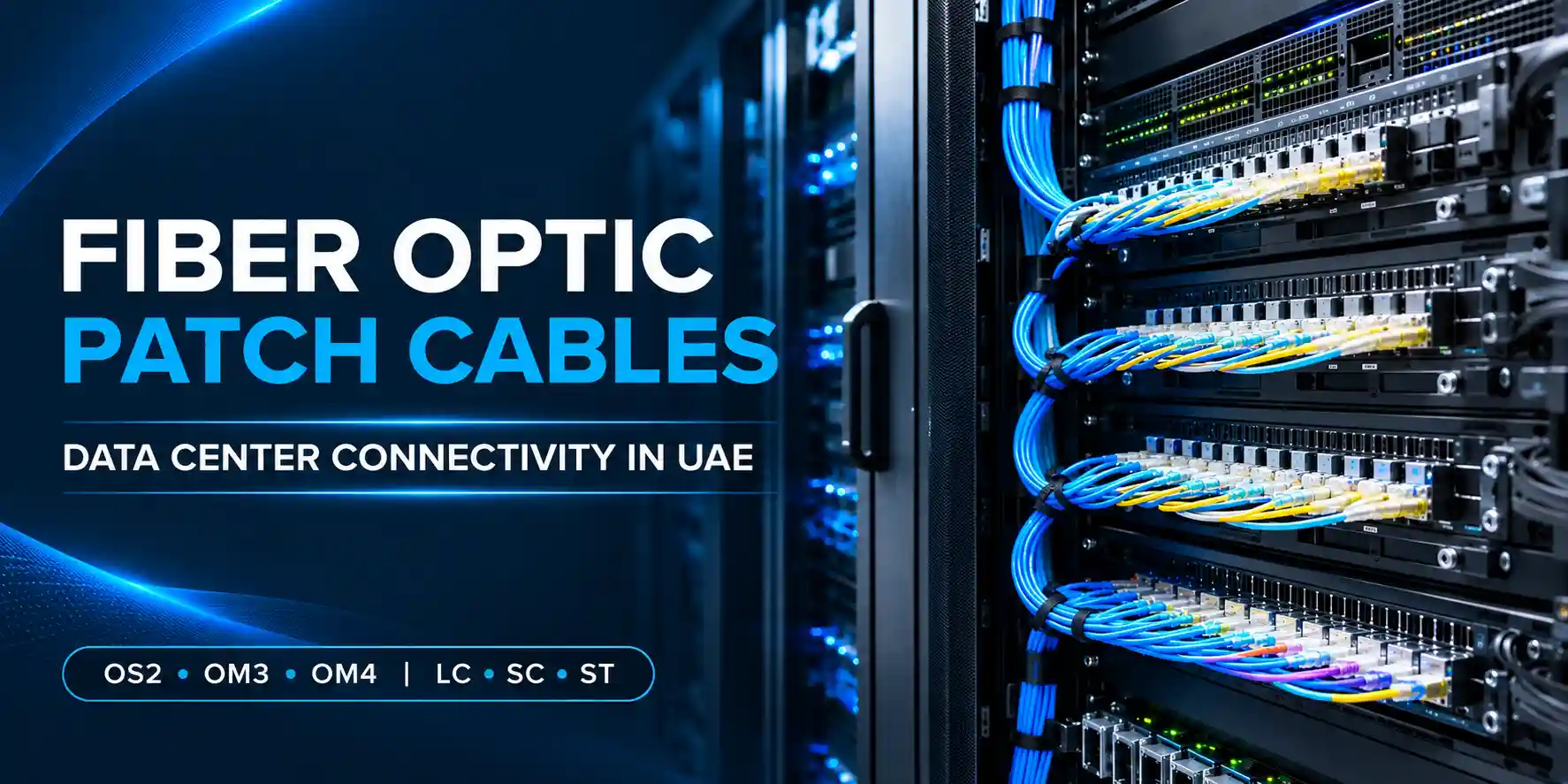
Fiber Optic Patch Cables: The Backbone of Reliable Data Center Connectivity in UAE
LinkAura USB-C Cables 1m–15m: Buying Guide UAE
IEC Power Cable Connector Types Explained: C13, C14, C15, C19 & C20 Differences
Long-Distance USB Connectivity with LinkAura Active Optical Cables
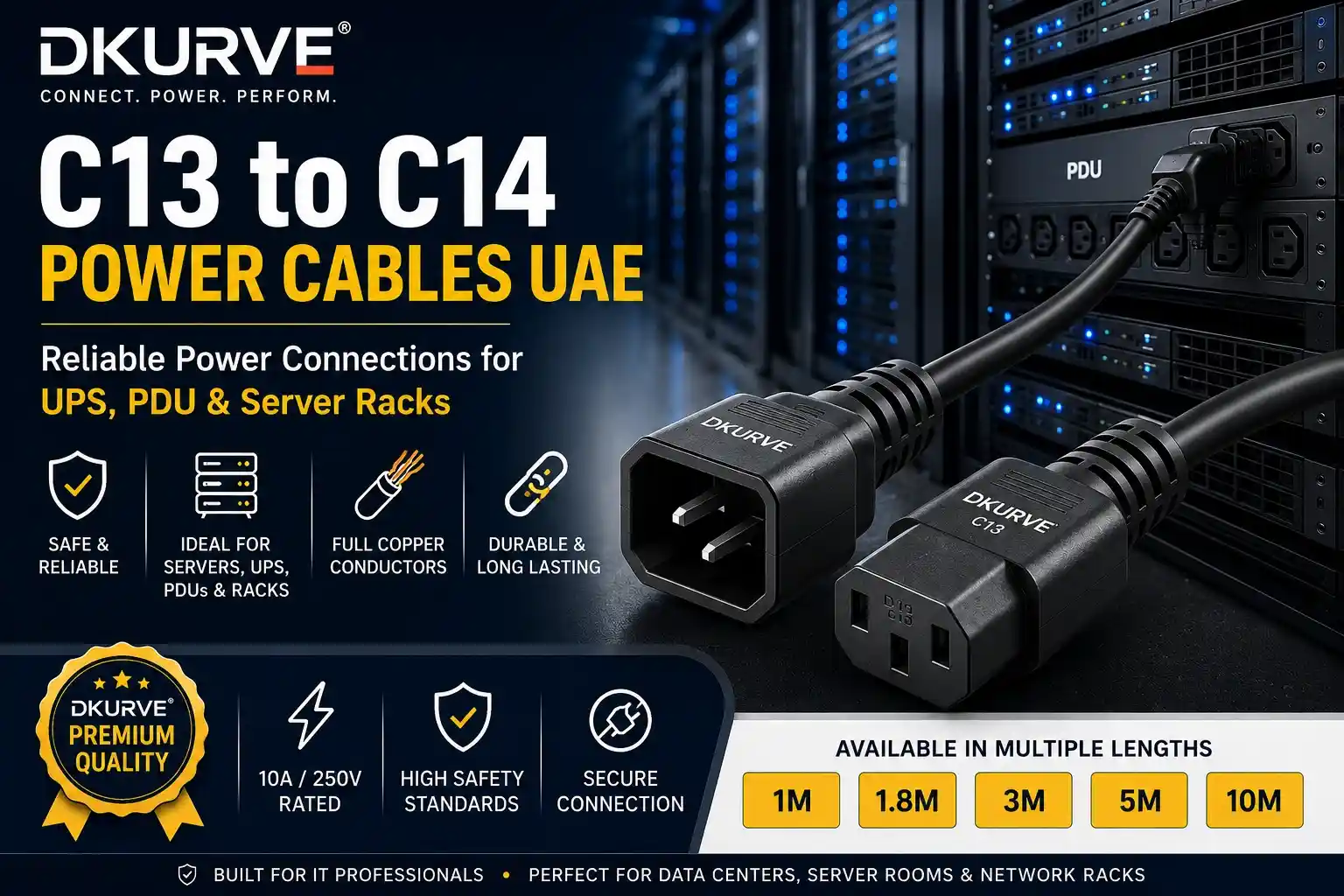
C13 to C14 Power Cable UAE – Complete Guide for UPS, PDU & Server Rack Connections
DKURVE®
Divine Plus Trading LLC is a Dubai-based supplier of IT networking, data center, and connectivity solutions, specializing in IEC power cords, rack PDUs, network cables, fiber optic products, and IT accessories. We provide reliable infrastructure solutions for modern IT and data center environments.